

Product first frame
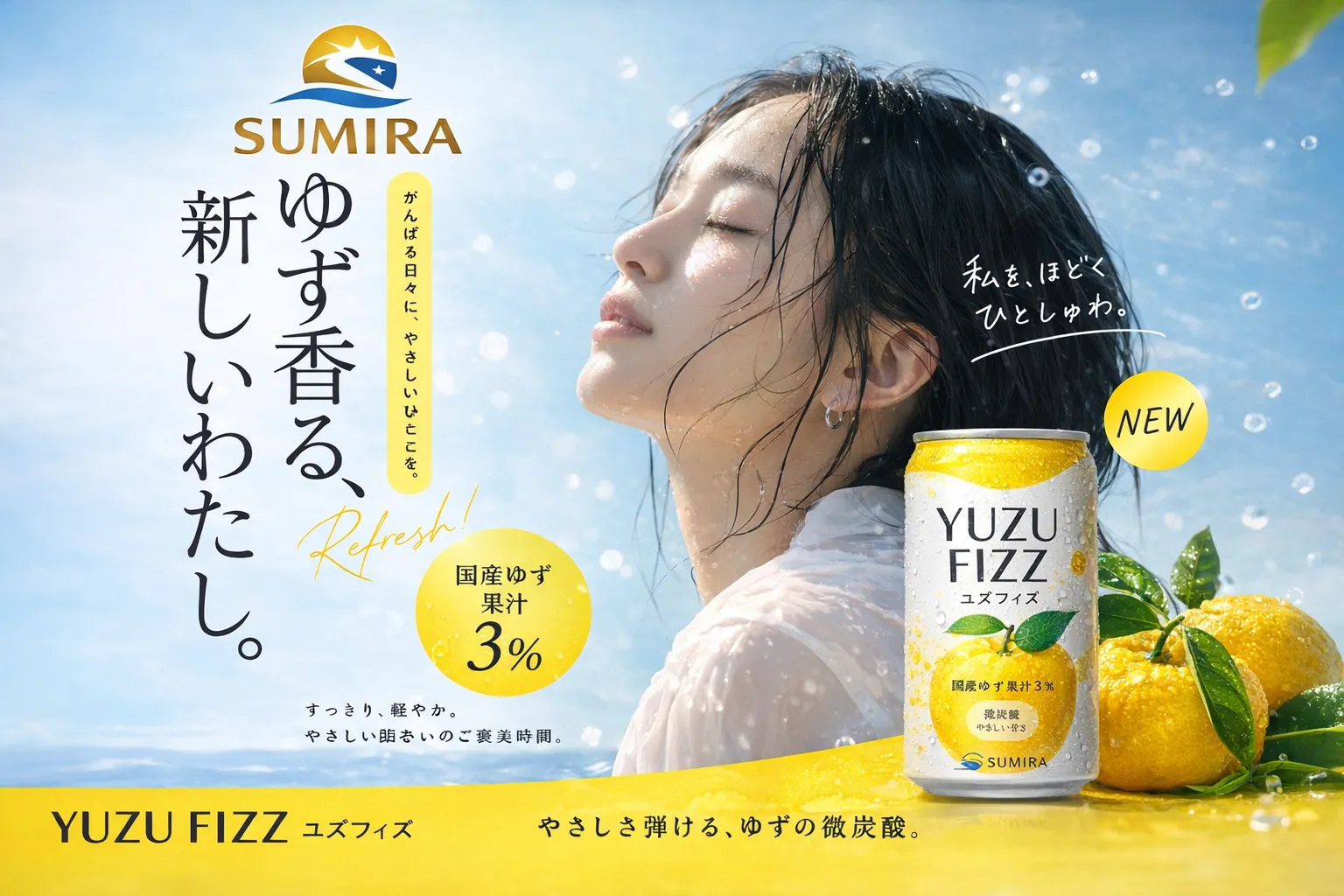
Product key visual
Start with a clean product frame that already has subject, lighting, label space, and motion-safe composition.
Prompt focus: product, surface, light, brand color, safe text area, no random words.
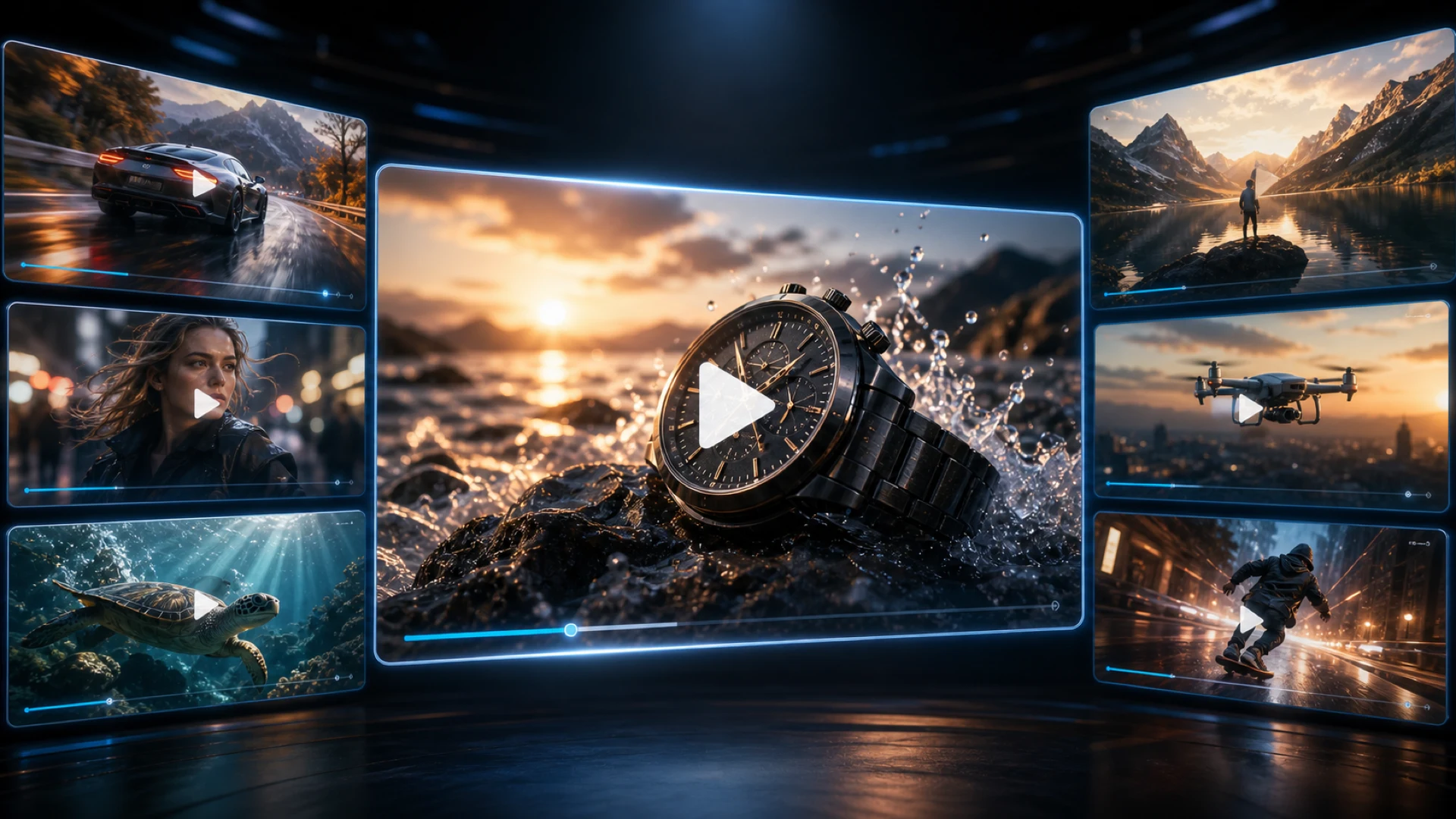
Turn one image into polished AI video results for product ads, character motion, travel clips, UGC, storyboards, and social posts. Create a clean source frame, then animate it into a short clip.

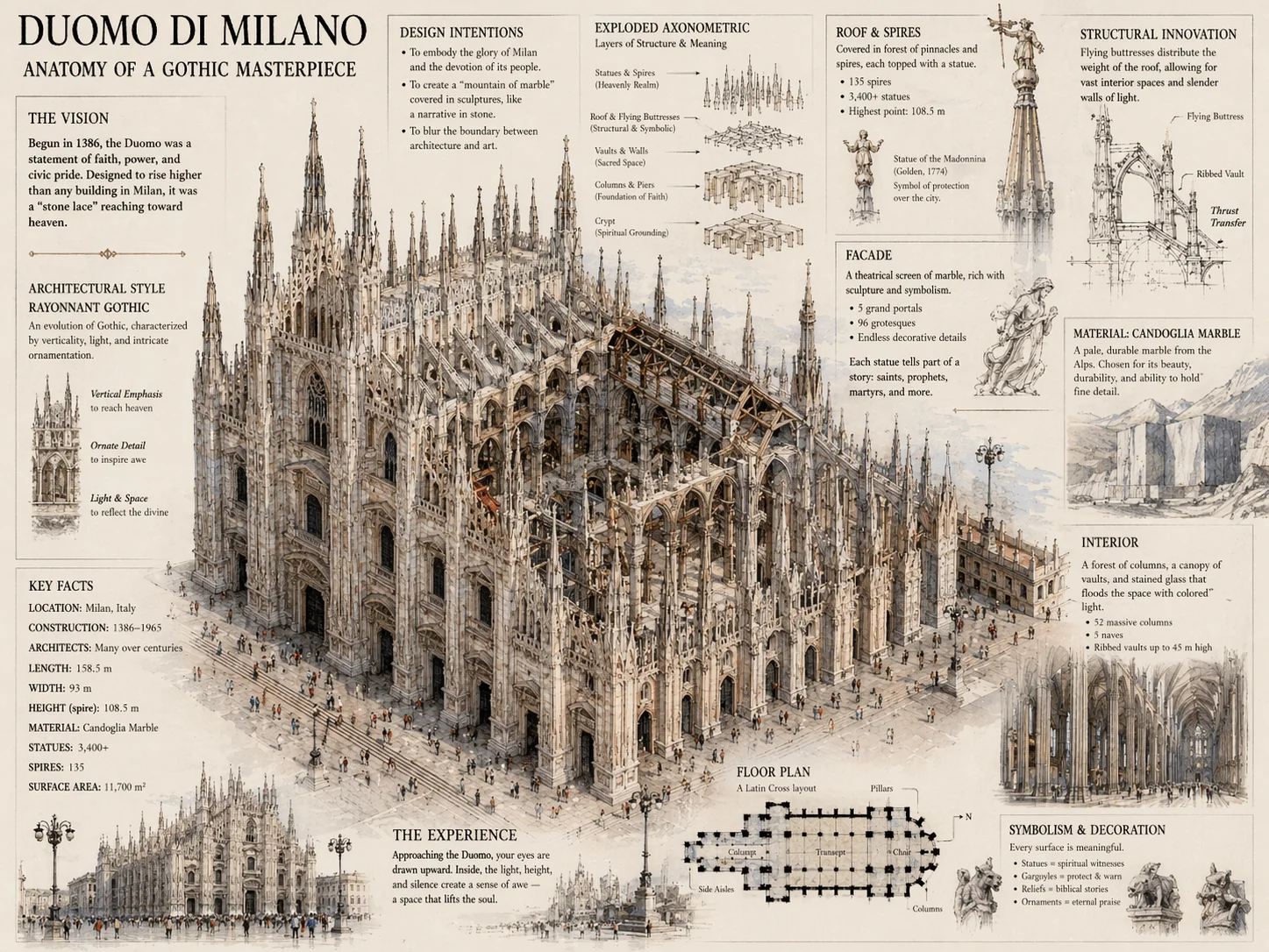
Finished images for real creative work: product ads, character references, infographics, style remixes, photo restoration, and first frames ready to animate.
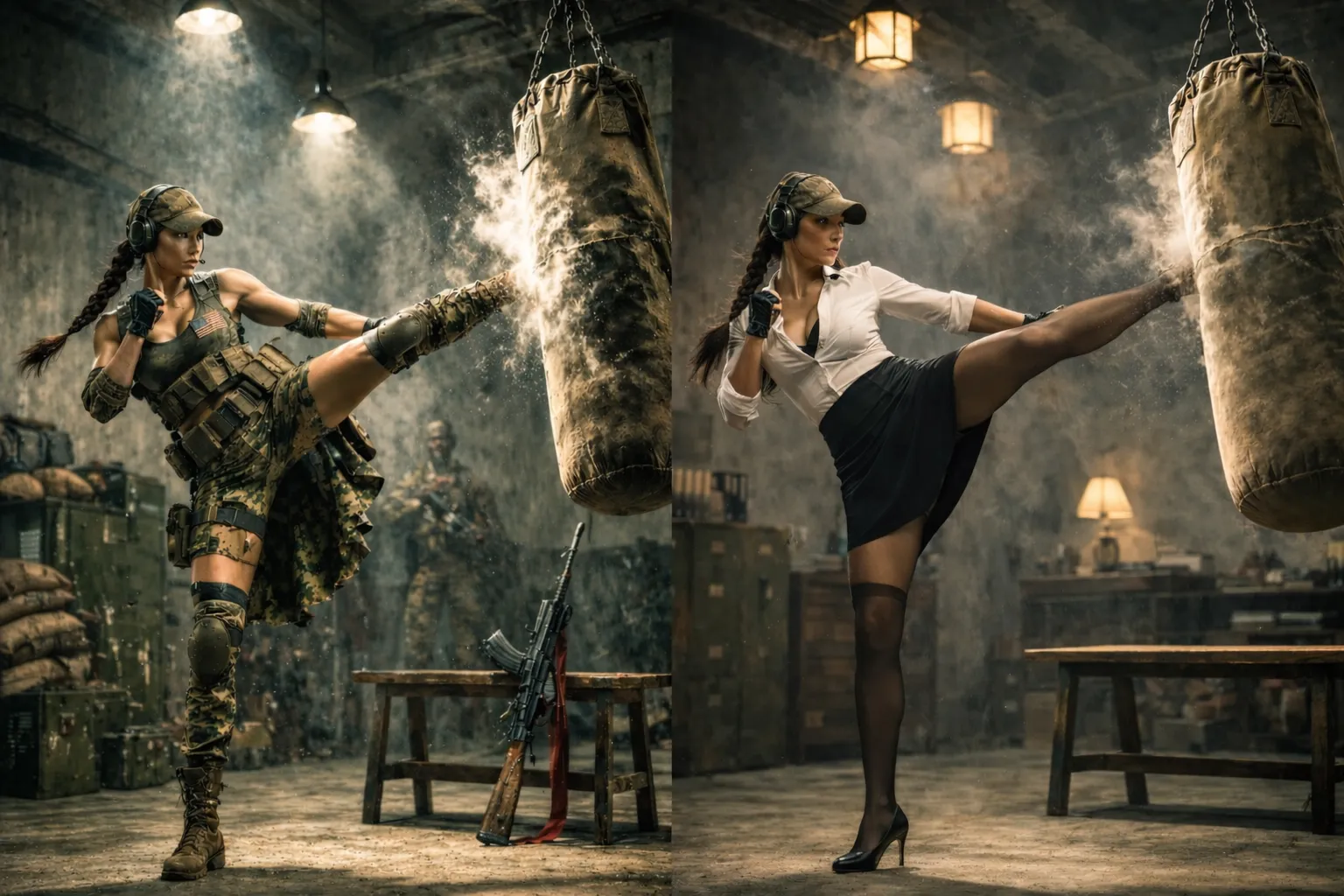
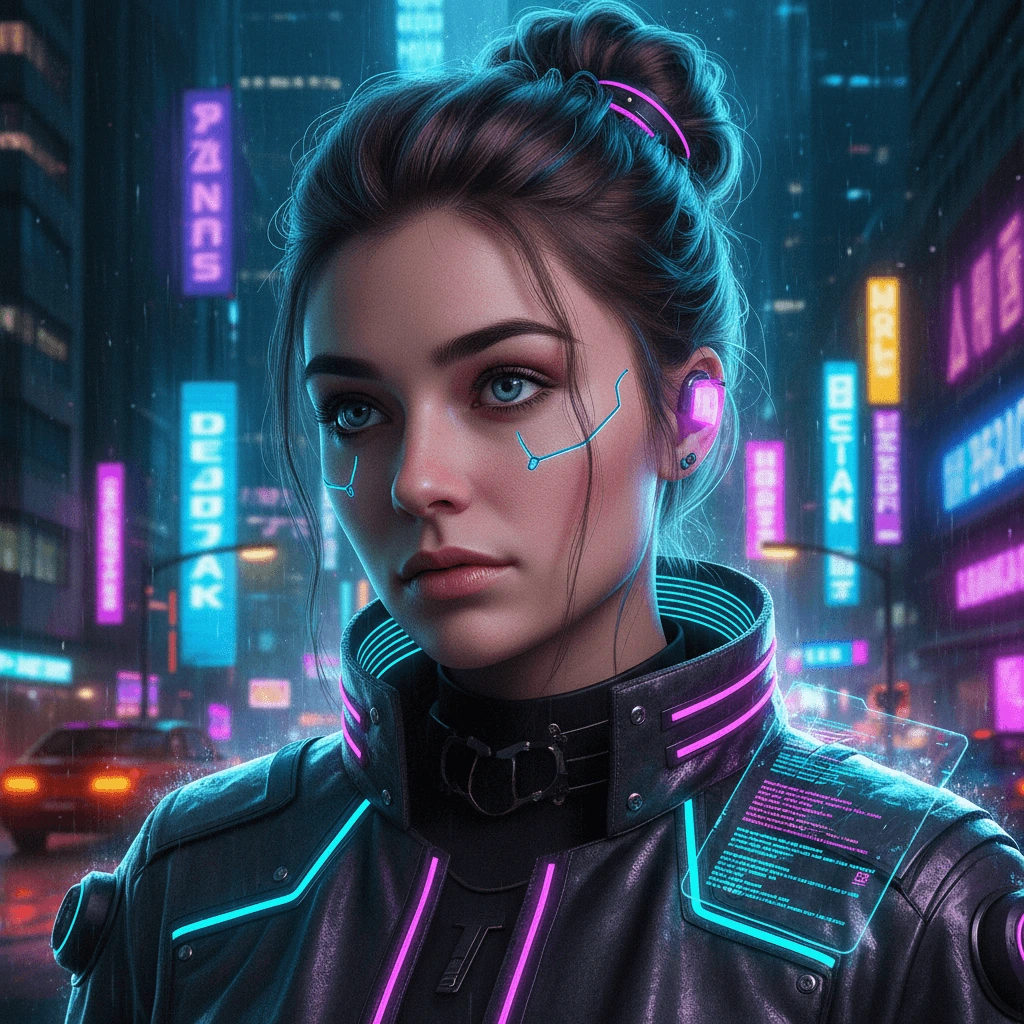
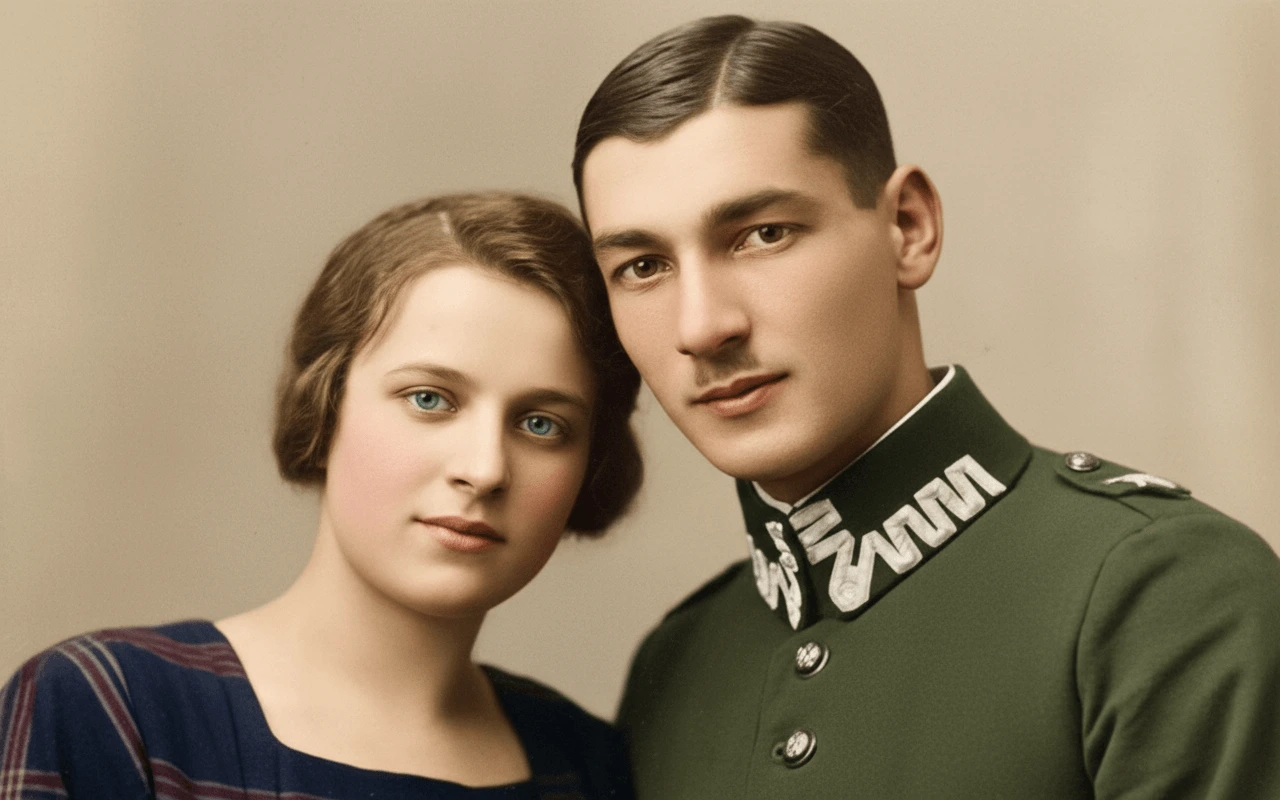
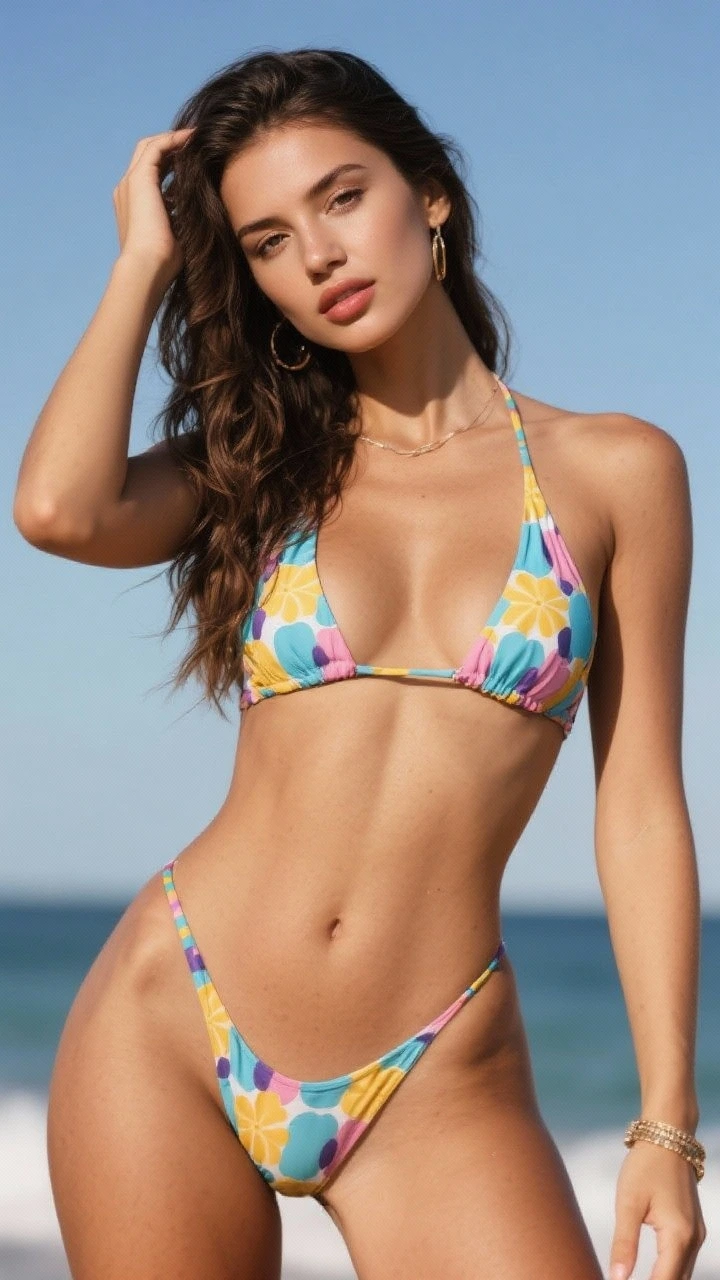
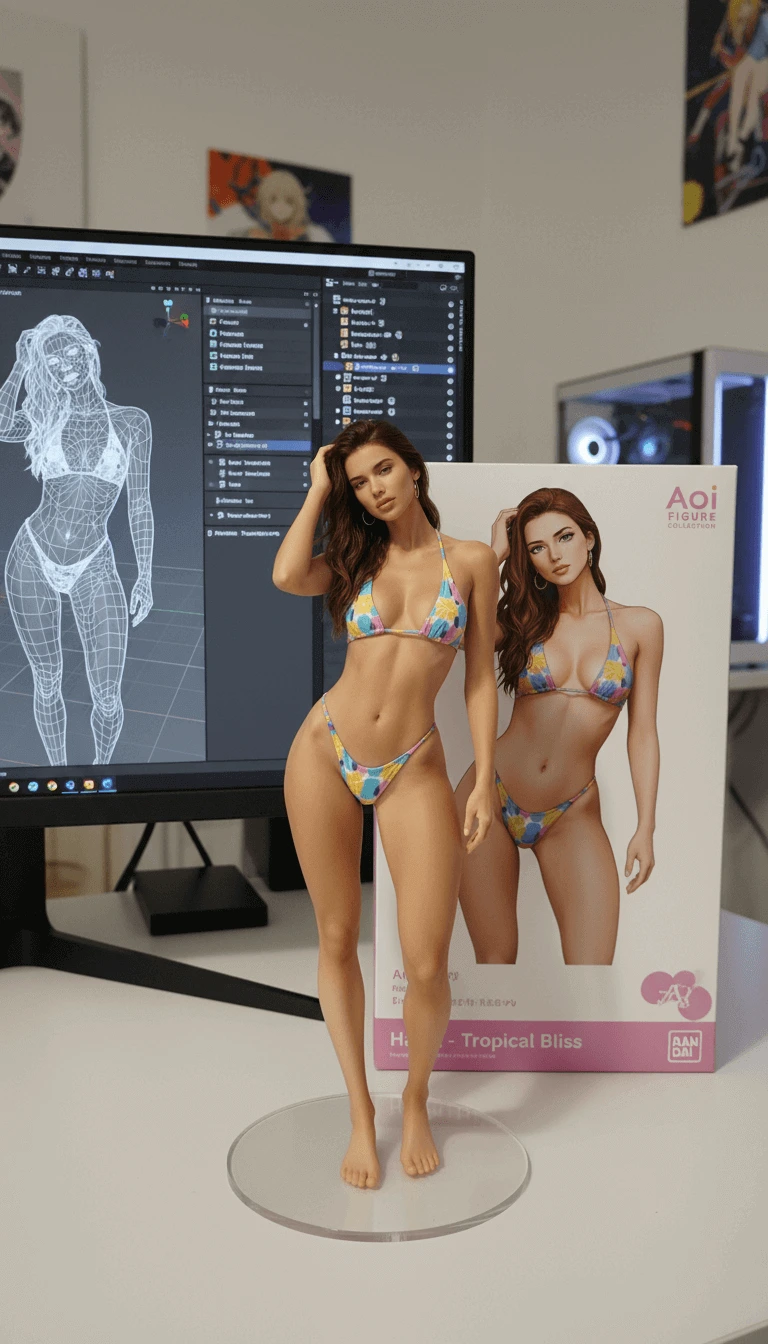
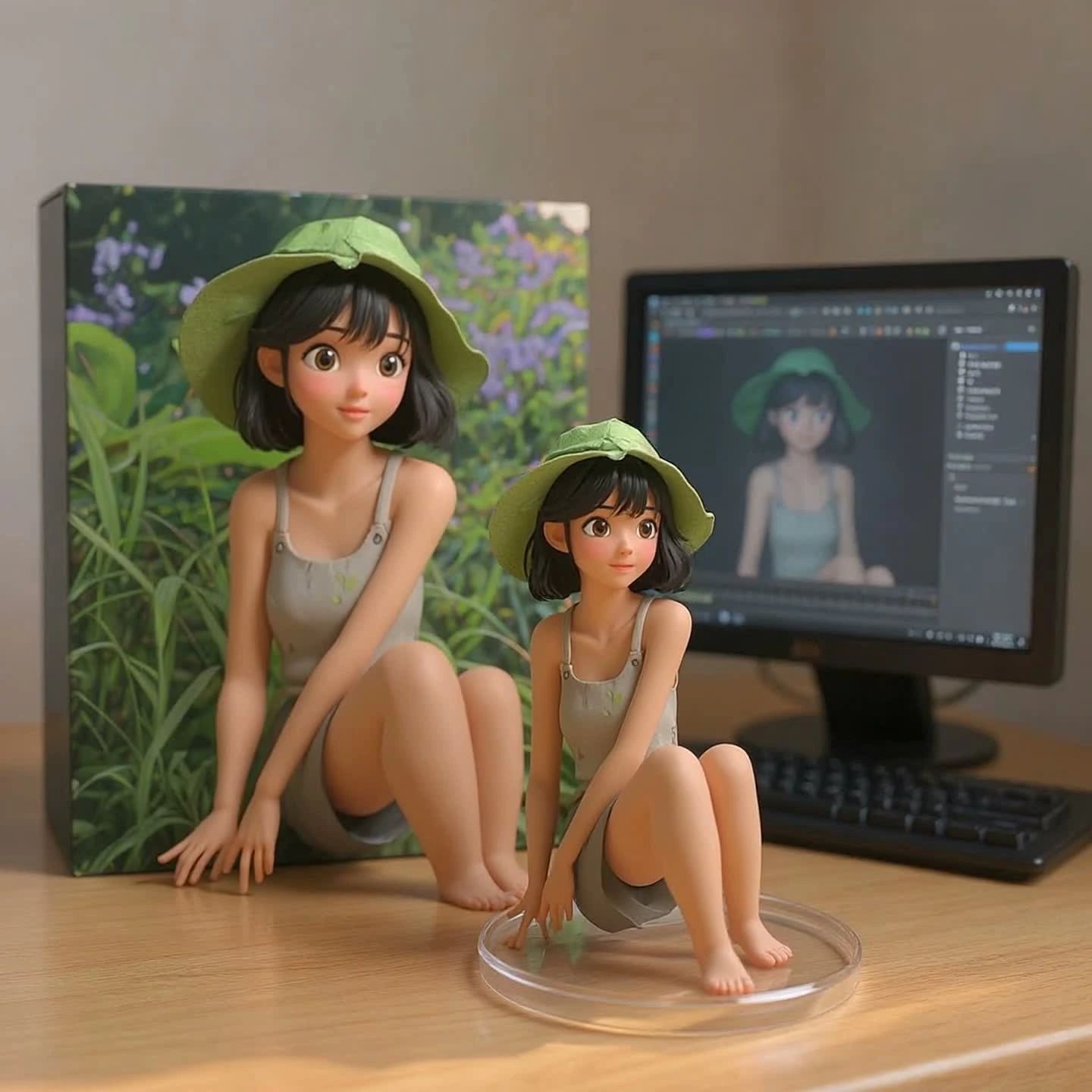
Prompt library picks
Selected prompt-library examples, rewritten as practical workflows: product visuals, packaging references, UI demo frames, and storyboards that can continue into image-to-video.
Start with a clean product frame that already has subject, lighting, label space, and motion-safe composition.
Prompt focus: product, surface, light, brand color, safe text area, no random words.

Use packaging prompts to control box shape, dielines, labels, materials, and the angle before making a product clip.
Prompt focus: structure, front label, material, fold lines, clean background.

Generate app screens, dashboards, and landing page visuals first so the video pass has a believable product moment.
Prompt focus: layout, sections, interface hierarchy, brand colors, realistic screenshot.

Turn a strong poster or character frame into a short sequence plan before asking the video model to move it.
Prompt focus: hero frame, shot order, camera move, subject continuity, 15-second sequence.
Use GPT Image 2 to make the key visual visible first. Then choose whether it becomes a product asset, character scene, explainer, campaign image, or video sequence.
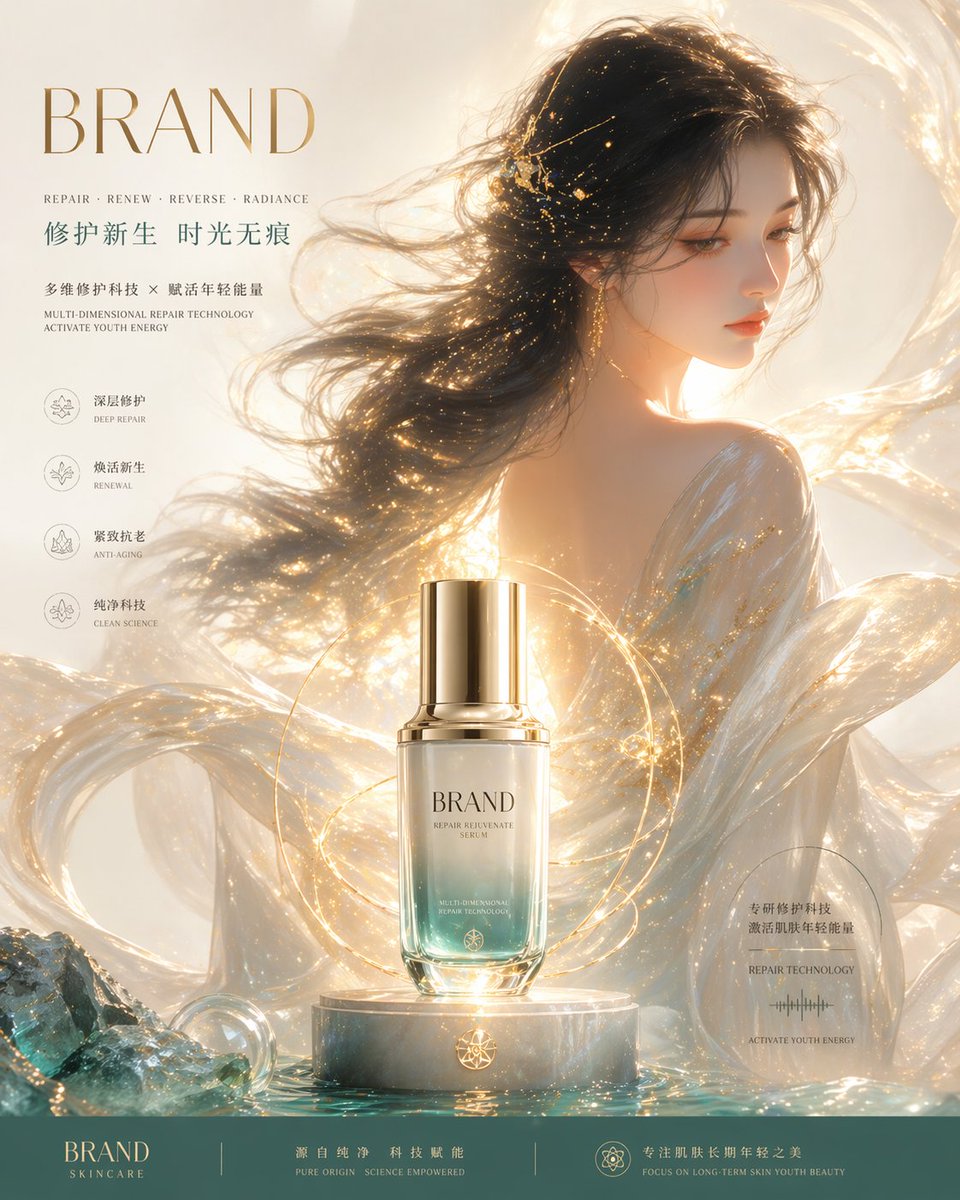
Make the first shot feel finished before you animate it: subject placement, camera angle, lighting, action, and format all come into focus early.
Decide the first shot before asking the video model to move it.
Keep the image readable for ads, thumbnails, and social clips.
Send the strongest frame into Seedance 2.0 or Kling 3.
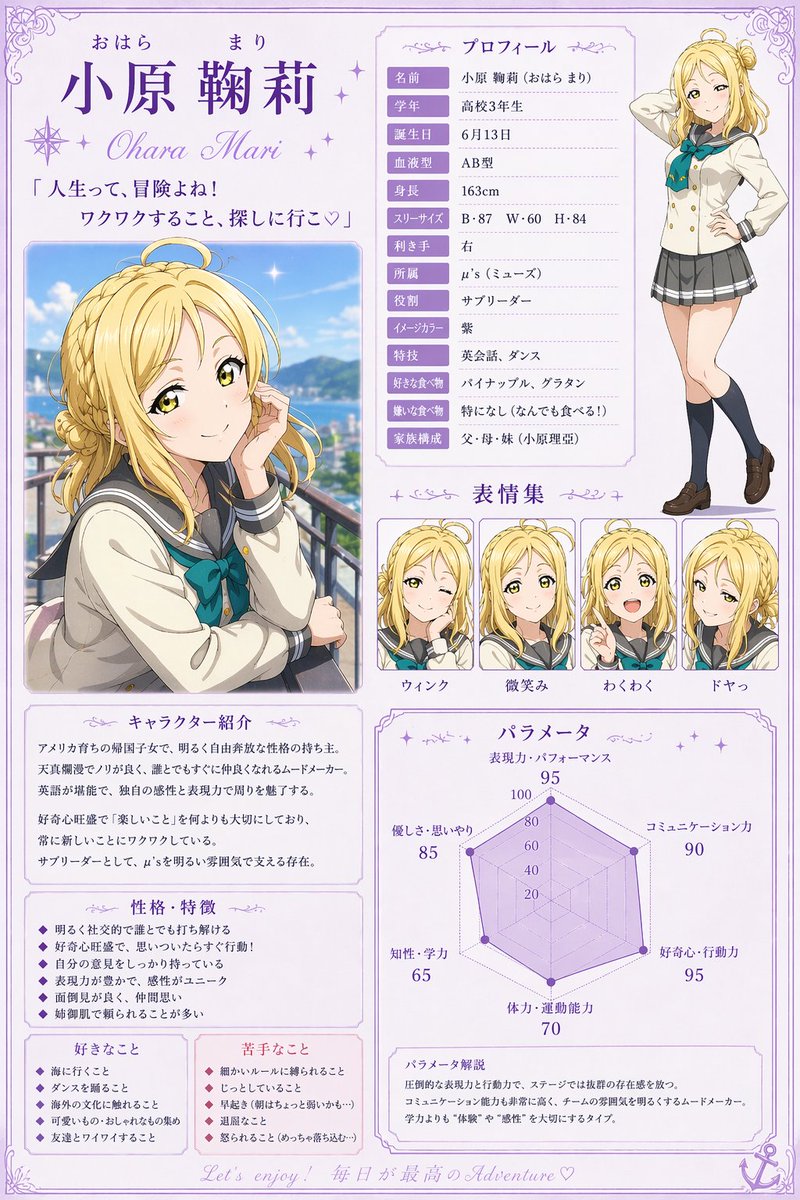
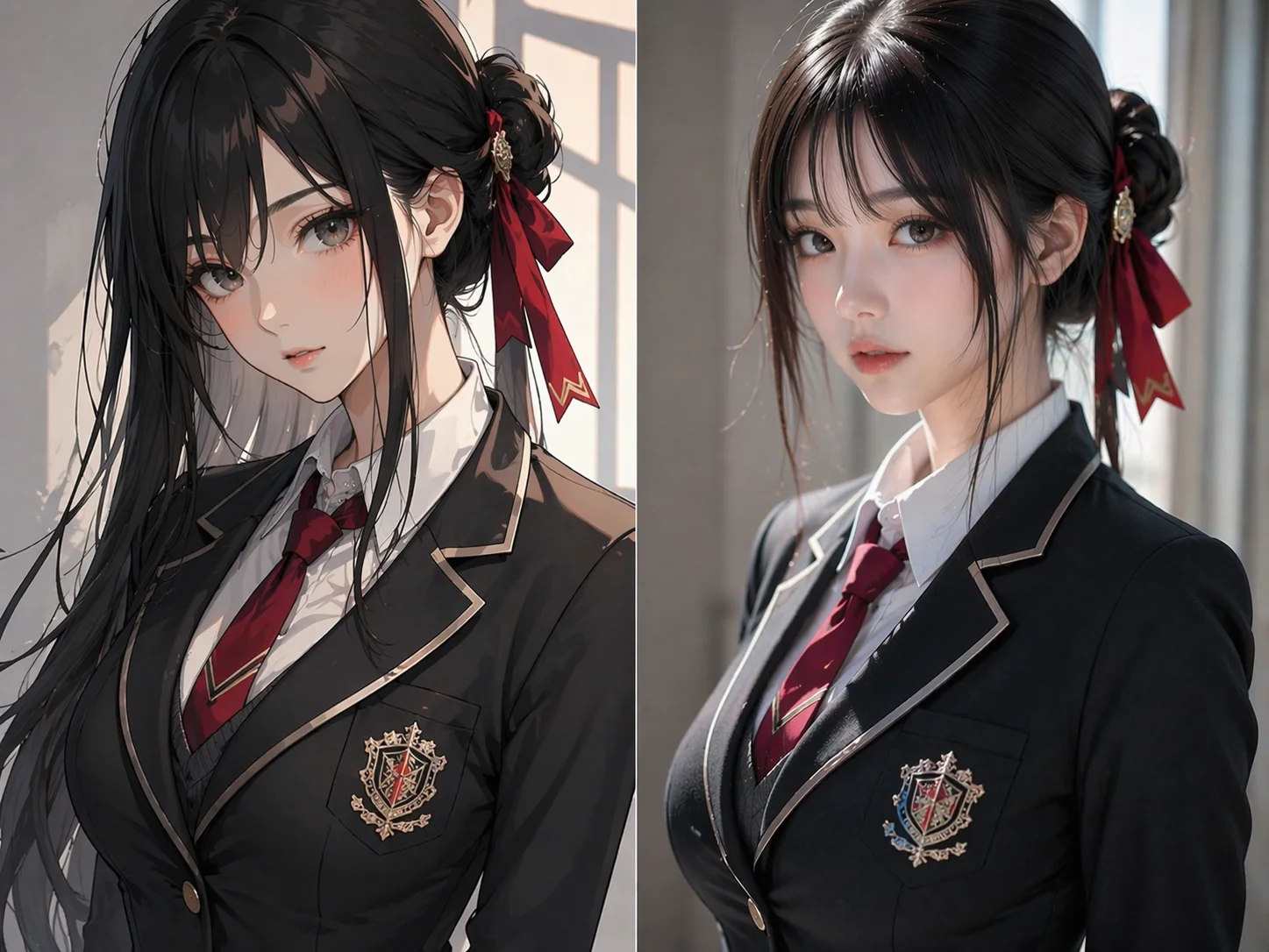
Create references for face, outfit, pose, props, and mood so the character has less chance to change once motion begins.
Keep the same core traits across source frames.
Try simple poses and camera angles before full action.
Keep people, mascots, and products recognizable across clips.
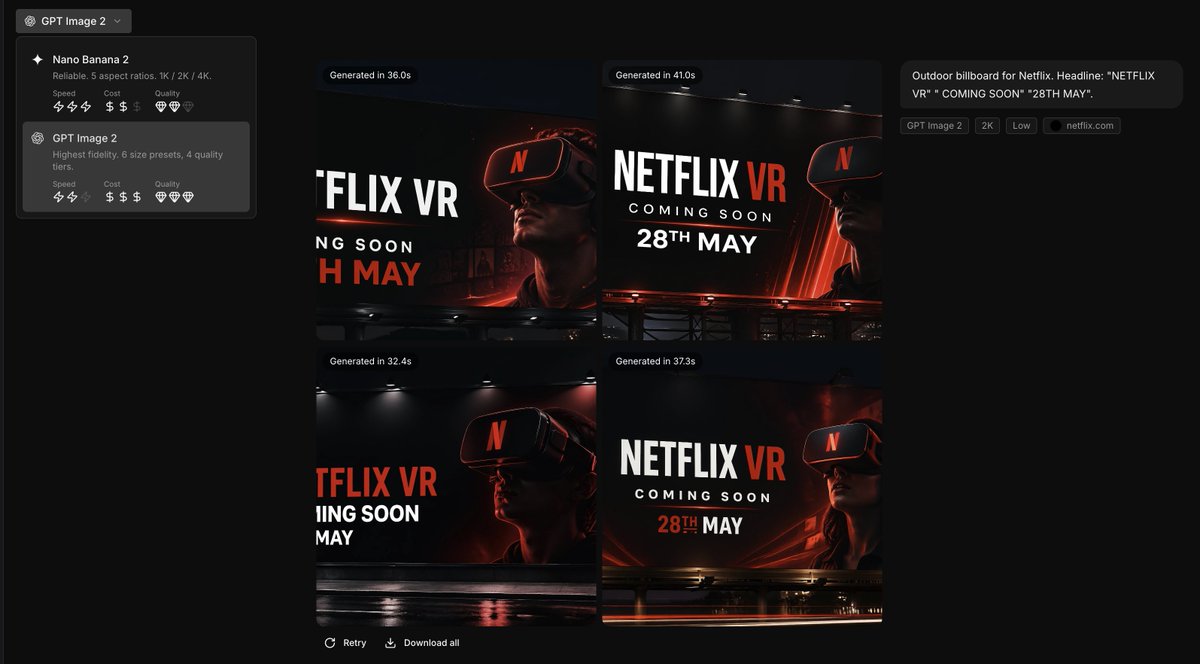
Clean busy backgrounds, repair edges, simplify text, and make the hierarchy obvious while the image is still easy to fix.
Remove visual ambiguity before animation amplifies it.
Make the subject, action, and camera direction easy to read.
Approve the source frame before committing to video renders.
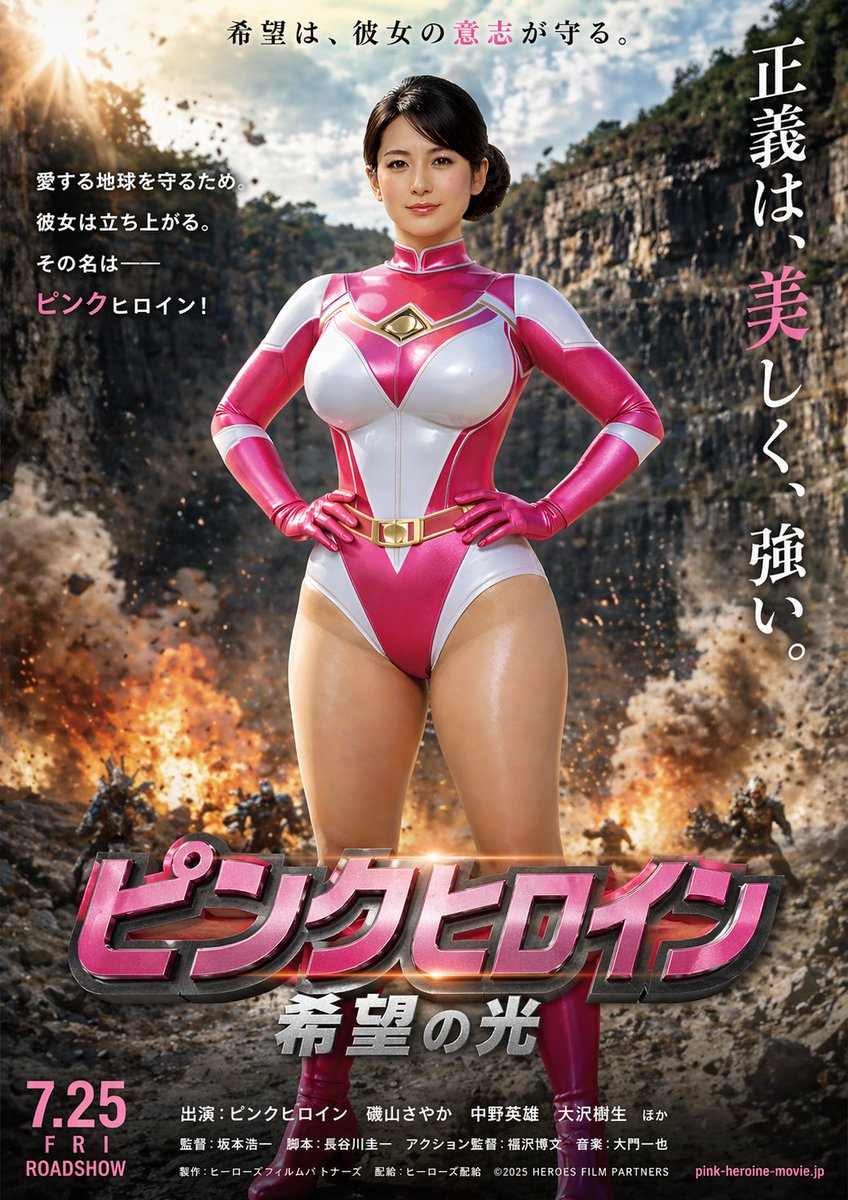
Create a small set of related frames for ads, explainers, demos, or story clips so the later motion pass has a real path to follow.
Lay out the shots as images before adding camera movement.
Carry lighting, palette, and subject treatment across the set.
Catch problems in still frames before they become video artifacts.
Generate the image, refine the reference, choose the format, and keep the best version ready for publishing or video without breaking the creative rhythm.
Turn a prompt into a polished image with clear subject, style, light, and composition.
Use the result as the opening frame for Seedance 2.0 or Kling 3.
Create ads, packages, product scenes, and thumbnails that can become short spots.
Keep identity, object shape, style, and composition consistent across revisions.
Prepare square, vertical, and widescreen frames before choosing video output.
Start from frames for storyboards, characters, product clips, explainers, and social posts.
A focused space for GPT Image 2 image generation, reference edits, and optional AI video creation.
Make the source image
Animate the best version
Polish before motion
Create square, vertical, and wide assets
Start with the GPT Image 2 image your audience will notice first, then turn the strongest version into motion.
Build clean product shots, lifestyle frames, and sale visuals before animation.
Lock labels, bottles, bundles, and lighting before adding camera moves.
Prepare vertical frames with title space, lifestyle context, and one clear subject.
Break a campaign into still frames so the video version has a cleaner sequence.
Create app screens, dashboards, and product concept views before animating transitions.
Generate character sheets, portraits, and game references before testing movement.